 Market4Me
How to Turn Your Website Into Video Content for Facebook (2026)
You can turn your website into video content by extracting core value propositions, mapping them to visual hooks, and using an automated platform like Market4Me.ai to scale production.
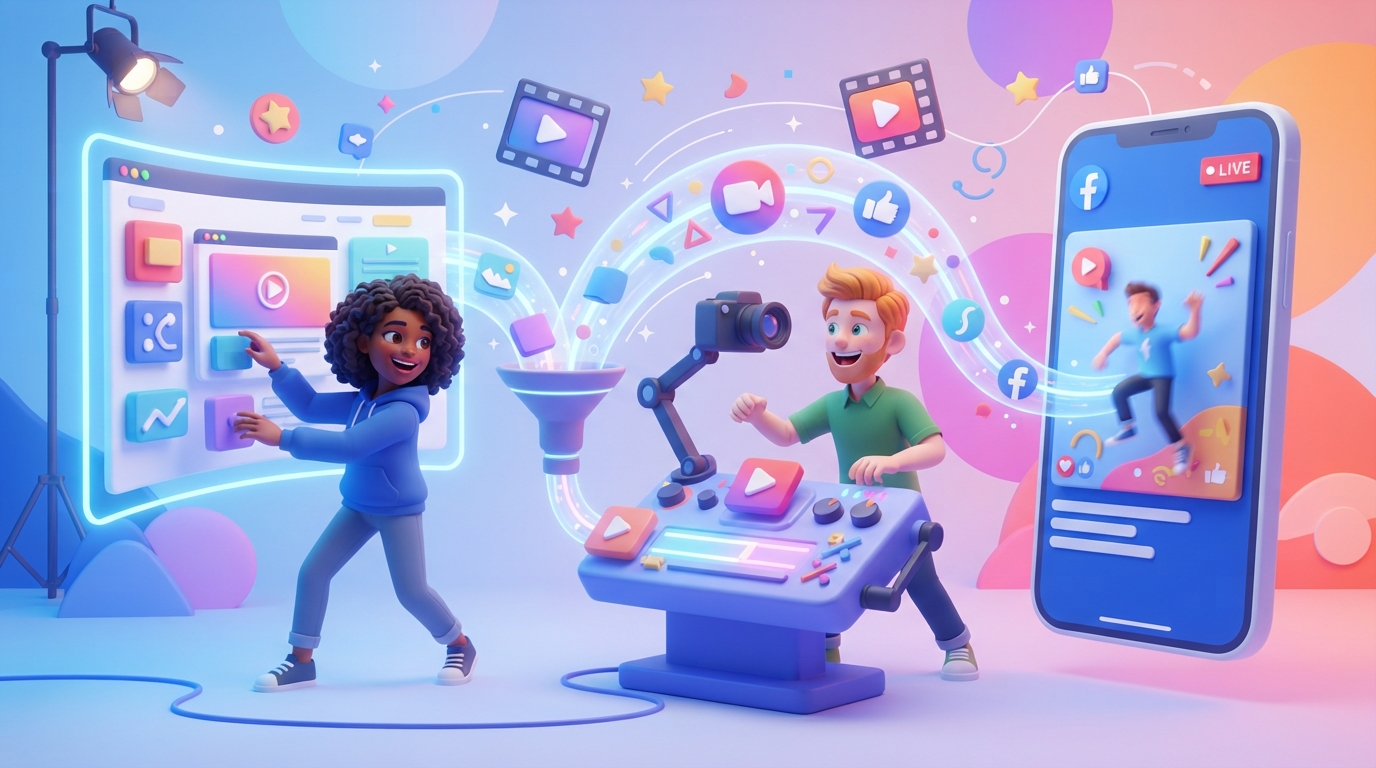
You can turn your website into video content by extracting core value propositions, mapping them to visual hooks, and using an automated platform like Market4Me.ai to scale production.
Key takeaways
- Extract specific value propositions from your homepage text to form the core of your video scripts.
- Convert static website features into 'problem/solution' hooks that perform best on Facebook Reels.
- Use a consistent visual persona to build brand recognition across your video feed.
- Automate the assembly of video, script, and captions to maintain a high-frequency posting cadence.
Mapping Your Website Assets to Video Formats
Most founders treat their website and their social media as separate entities. This is a mistake. Your website is the most comprehensive source of truth for your brand voice, product benefits, and customer pain points. To turn your website into video content effectively, you must stop thinking about ‘posting’ and start thinking about ‘repurposing’ existing data.
Start by auditing your landing page. Look for three specific elements:
- The Hero Header: This is usually your clearest statement of value.
- Feature Bullet Points: These are your script outlines.
- Customer Testimonial Section: These are your social proof scripts.
For more on organizing this workflow, check out our guide on how to automate your content calendar for Facebook (2026 guide).
The Extraction Framework: From Text to Script
Don’t try to cram an entire landing page into one video. Instead, use a ‘one-page, one-point’ rule. Take a single feature from your website and dedicate one 15-30 second video to it.
Step-by-Step Extraction Process
- Identify the pain point: What problem does that specific feature solve?
- Draft a hook: Start with the problem, not the solution. Use our free hook generator to refine this.
- Script the ‘Why’: Explain why this specific feature matters to the customer’s bottom line.
- Add a Call to Action (CTA): Send them back to the exact URL where that feature is explained.
Choosing the Right Video Format for Facebook
Facebook’s algorithm rewards content that keeps users on the platform. Your website content should be formatted specifically for the feed.
| Website Element | Video Style | Best Practice |
|---|---|---|
| Product Feature | Explainer | Show the UI/Tool in action |
| FAQ Section | Direct Answer | Use an AI influencer to speak directly |
| Case Study | Testimonial | Use text overlays to highlight results |
| Pricing Table | Comparison | Focus on cost-efficiency |
For those looking to scale, using a specialized AI video marketing platform can bridge the gap between static text and high-performing video assets.
Maintaining Brand Consistency
When you turn your website into video content, the biggest risk is a disconnect in tone. If your website is professional and minimalist, but your videos are chaotic and loud, your audience will feel a sense of ‘brand whiplash.’
Using an AI influencer generator allows you to maintain a consistent on-screen presence that matches your brand’s personality. This creates a psychological anchor for your audience, making your brand more recognizable as they scroll through their Facebook feed.
Managing Your Production Cadence
Consistency is the only metric that matters for early-stage growth. If you are a solo founder, you likely don’t have the time to edit daily videos manually. You need a system that allows you to schedule a month of content in a day for Facebook.
If you find the manual process overwhelming, consider exploring how to create AI videos for Facebook: 2026 strategy guide. By automating the script-to-video pipeline, you ensure that your website’s content is constantly being refreshed and recycled into new formats.
Getting Started
Building a video machine doesn’t require a production studio or a large team. It requires a clear strategy and the right tools to execute on that strategy daily. If you are ready to see how your website translates into high-performing video content, start by auditing your current assets and identifying your strongest value propositions.
Try Market4Me.ai today to see how our platform automatically turns your website into a full month of scheduled video content.
Put your marketing on autopilot
Paste your URL and let Market4Me.ai build, schedule and post your content for you.
Start free →Frequently asked questions
Do I need a videographer to turn my website into video content?
No. Modern AI tools allow you to generate scripts, visuals, and personas directly from your existing website copy, removing the need for traditional production crews.
How long should my Facebook videos be?
For organic reach, aim for 15–30 seconds. This length is ideal for delivering one specific value proposition without losing the viewer's attention.
Can I use my website's existing images in my videos?
Yes. Most AI video platforms allow you to upload your brand assets, which the AI then incorporates into the video generation process to ensure brand alignment.
What is the best way to handle the 'voice' of the video?
Use a consistent AI influencer persona. This ensures that every video sounds and looks like a member of your team, building trust over time.
How often should I post these videos to Facebook?
Consistency is more important than volume. Start with a daily cadence that you can maintain long-term, rather than posting five times one day and nothing for a week.