Market4Me
How to Turn Your Website into Video Content for Ecommerce
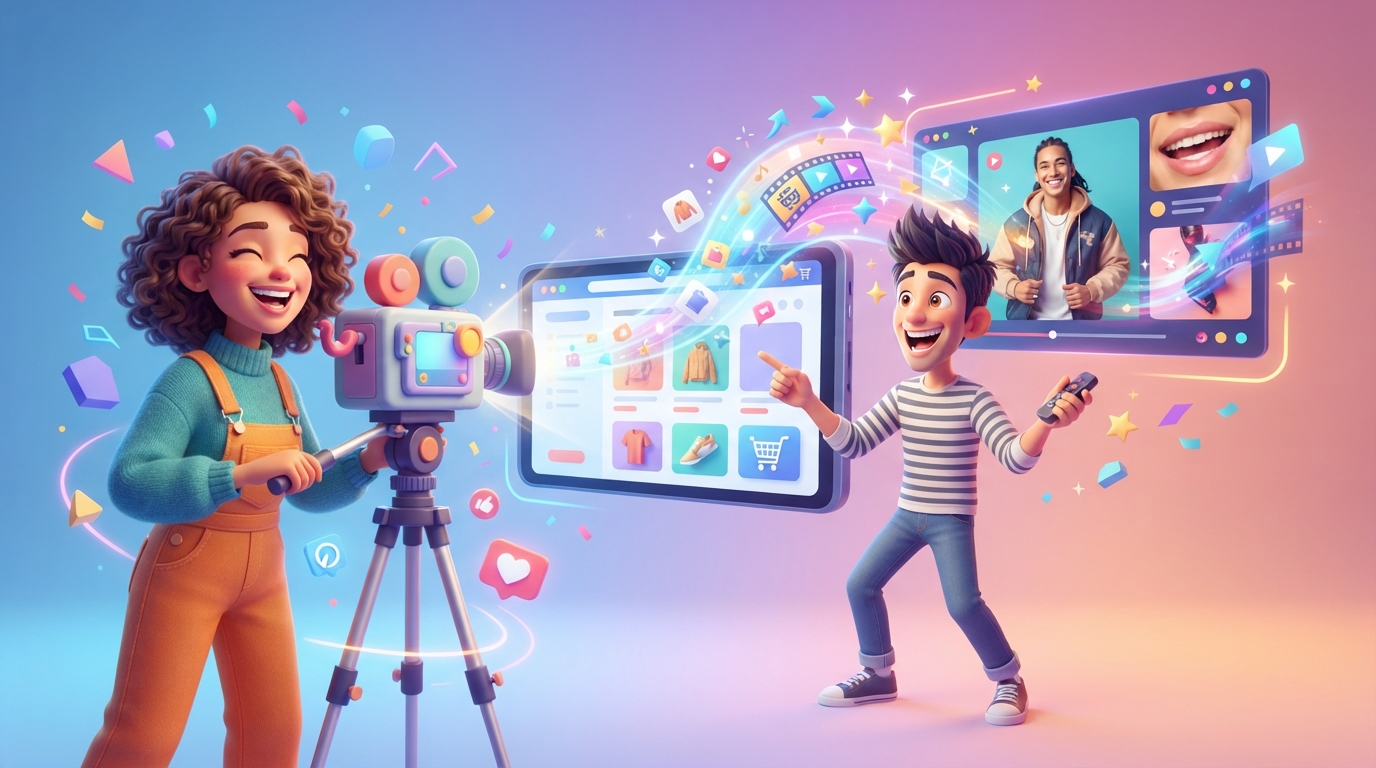
To turn your website into video content for ecommerce, you must extract product USPs and customer pain points from your URL and map them to high-retention video hooks.
To turn your website into video content for ecommerce, you must extract product USPs and customer pain points from your URL and map them to high-retention video hooks.
Key takeaways
- Extract 'Brand DNA' (Transformation, Hooks, Friction) directly from your product URLs.
- Map specific page types (PDP, FAQ, About Us) to different video narrative frameworks.
- Use the PAS (Problem, Agitation, Solution) framework to maximize short-form retention.
- Scale production using AI influencers or UGC generators to maintain a daily posting schedule.
- Leverage credit-based AI models to reduce cost-per-video compared to traditional agencies.
Static ecommerce stores are paying an ‘attention tax.’ While a high-converting product page is necessary for the final click, it is no longer the primary engine for discovery. In today’s economy, discovery happens in the vertical feeds of TikTok, Reels, and Shorts. To compete, you must turn your website into video content that stops the scroll without the overhead of a traditional production studio.
This guide moves beyond generic advice to provide a technical workflow for transforming your existing URLs into a high-volume video engine.
The URL-to-Video Pipeline: The 4-Point Extraction
To effectively turn your website into video content, you cannot simply summarize a product description. You must extract the ‘DNA’ of the page. This involves a four-point audit of your URL:
- The Transformation (The ‘Before/After’): Identify the specific shift your product facilitates. If you sell a ‘standing desk,’ the transformation isn’t ‘a desk that moves’; it’s ‘from midday back pain to high-energy focus.’
- The Linguistic Anchor: Scan your customer reviews for specific phrasing. If customers call your product ‘life-changing’ or ‘the last one I’ll ever buy,’ these are your high-retention video hooks.
- The Friction Points: Look at your FAQ. If users ask about ‘waterproofing’ or ‘battery life,’ these are not just questions—they are the scripts for your ‘Objection Handling’ videos.
- The Visual Cues: Identify the key aesthetic of your site. A luxury skincare brand requires a different AI persona and pacing than a rugged outdoor gear site.
Using an AI video marketing platform allows you to automate this extraction, ensuring your video assets remain brand-aware rather than generic.
Mapping Your Site Structure to Video Formats
Not every page on your website serves the same purpose. To maximize ROI, you must map specific page types to the correct video ‘angle.’
| Website Page Type | Video Angle | Narrative Framework | Primary Goal |
|---|---|---|---|
| Product Detail Page (PDP) | Feature/Benefit Teardown | PAS (Problem-Agitation-Sol) | Direct Conversion |
| About Us / Founder Page | Origin Story | Hero’s Journey | Brand Affinity |
| Blog / How-To Guides | Educational ‘Tips’ | Listicle / Tutorial | Top-of-Funnel Reach |
| FAQ Section | Myth-Busting | Question & Answer | Risk Reversal |
| Customer Reviews | Social Proof | Reaction / Testimonial | Social Validation |
Scripting for Retention: The PAS Framework
When you turn your website into video content, the script is the most common point of failure. Most founders make the mistake of being too ‘salesy’ too early. Instead, use the PAS (Problem, Agitation, Solution) framework to mirror the natural psychology of a buyer.
- Problem (0-3s): The Hook. Address a specific pain point found in your website’s header. ‘Is your morning coffee cold by 9:00 AM?’
- Agitation (3-7s): The Twist. Explain why the problem is worse than they think. ‘Microwaving it destroys the flavor profile and leaves a bitter aftertaste.’
- Solution (7-15s): The Reveal. Introduce your product as the hero. ‘Our smart-mug keeps your brew at exactly 65°C all day.’
For high-volume testing, a video script generator can produce 10+ variations of this framework from a single product URL, allowing you to A/B test different hooks to see which one the algorithm favors.
Visual Strategy: AI Influencers vs. UGC
Once the script is set, you need a visual delivery vehicle. You have three primary paths to scale:
- Product B-Roll: Best for high-ticket items where the aesthetic is the selling point.
- AI Influencers: The most scalable way to build a brand face. By using an AI influencer generator, you create a recurring persona that ‘hosts’ your brand. This builds long-term familiarity without the risk of a creator leaving or charging higher rates.
- Synthetic UGC: For brands that need ‘real person’ validation. An AI UGC generator can simulate the look and feel of a customer testimonial, which is essential for platforms like TikTok where high-production ads often underperform.
Scaling Output: The Economics of AI Video
Traditional video production is a bottleneck. Hiring an agency often serves as a marketing agency alternative only in theory, as costs range from $2,000 to $10,000 monthly for limited assets.
To truly scale, you must move to a credit-based model. For example, on Market4Me.ai, a 15-second 720p video costs approximately 825 credits (calculated at 55 credits per second). This allows you to turn your website into video content daily for a fraction of the cost of a single professional shoot. This volume is what feeds the algorithm, providing the data needed to understand what actually converts.
Final Implementation: The 24/7 Sales Loop
Your website is a static library; video is the delivery truck. By automating the bridge between the two, you create a 24/7 sales loop. While you focus on logistics and product development, your automated engine is busy turning your ‘About Us’ story into a Reel or your FAQ into a TikTok that handles objections before the customer even reaches your site.
Start building your automated content engine here to transform your static URLs into high-performance video assets.
Put your marketing on autopilot
Paste your URL and let Market4Me.ai build, schedule and post your content for you.
Start free →Frequently asked questions
How does the system know which parts of my website to use?
The AI crawls the specific URLs you provide—whether it's a product page, a blog post, or an FAQ. It identifies key value propositions, customer pain points, and your brand's specific tone of voice to ensure the video feels like a natural extension of your site.
Do I need to film my own product footage?
No. You can use a combination of AI-generated visuals, stock footage, or AI influencers. If you have existing B-roll, you can upload it, but it is not a requirement for generating high-quality video content.
What is the cost per video for this automation?
Costs are credit-based for transparency. A standard 15-second video at 720p resolution costs approximately 825 credits. This allows for a predictable budget when scaling to a daily posting schedule.
Can I edit the AI-generated scripts?
Yes. You have full control over the scripts before the video is rendered. You can adjust the hooks, change the call-to-action, or refine the brand voice to ensure it meets your standards.
Is there a guarantee on the credit plans?
We do not offer a money-back guarantee. However, if a video fails to generate due to a technical error, those credits are automatically refunded to your account balance.