 Market4Me
How to Repurpose Blog Posts Into Short-Form Video for LinkedIn
To repurpose blog posts into short-form video for LinkedIn, extract one core argument, write a hook-led script under 60 seconds, and use a consistent persona to maintain brand authority.
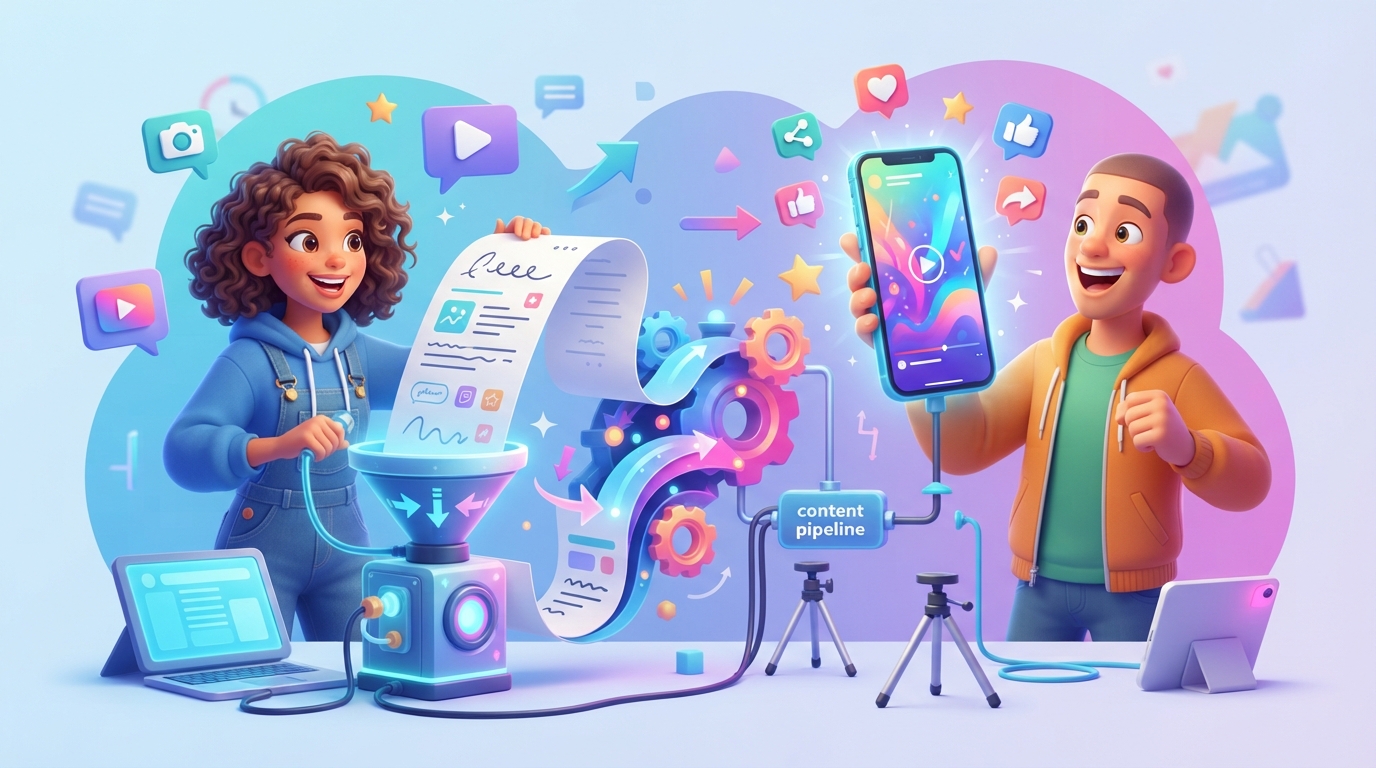
To repurpose blog posts into short-form video for LinkedIn, extract one core argument, write a hook-led script under 60 seconds, and use a consistent persona to maintain brand authority.
Key takeaways
- Focus on one single, actionable insight from your blog post rather than summarizing the entire article.
- Place your strongest hook within the first 3 seconds to stop the LinkedIn scroll.
- Use a consistent on-screen persona or AI influencer to build long-term brand recognition.
- Format your video for mobile-first consumption: 9:16 aspect ratio with high-contrast captions.
Repurposing content isn’t about copy-pasting your text into a teleprompter. It is about translating the value of your written long-form content into a format that performs in a high-velocity feed. When you repurpose blog posts into short-form video, you are essentially giving your existing audience a new way to consume your expertise.
The Core Logic: Why LinkedIn Video Demands a Shift
LinkedIn’s algorithm currently prioritizes dwell time and active engagement. A 1,500-word blog post is a deep-dive asset; a short-form video is a conversation starter. Your goal is to take the most controversial or useful point from your post and turn it into a 45-60 second narrative.
The “One-Idea” Rule
Most people fail at repurposing because they try to cram an entire blog post into one video. Instead, pick one specific sub-heading or data point. If your post is about, say, 21 post ideas every solo founder & early-stage startup needs, your video should only focus on one of those ideas—not all of them.
Planning Your Repurposing Workflow
To maintain a consistent posting schedule without burning out, you need a repeatable process. Most solo founders struggle here because they lack an AI video marketing platform to handle the heavy lifting of scriptwriting and editing.
| Stage | Action | Time Estimate |
|---|---|---|
| Analysis | Scan blog post for the most “comment-worthy” insight | 5 mins |
| Scripting | Draft a 150-word script focusing on a hook + 1 key takeaway | 10 mins |
| Production | Generate or record the video with a consistent persona | 15 mins |
| Review | Edit captions and ensure the tone matches your brand | 5 mins |
Drafting Hooks That Actually Work
On LinkedIn, your hook is 90% of the battle. If you are struggling to start, use a free hook generator to test different angles. The best hooks for LinkedIn video usually fall into three buckets:
- The Counter-Intuitive Claim: “Why most founders are wrong about [Topic].”
- The Specific Result: “How we grew X by Y% using this specific workflow.”
- The ‘How-To’ Tease: “Stop doing [Task]. Do this instead to save 3 hours a week.”
Maintaining Brand Consistency
If you are a solo operator, you cannot afford to be inconsistent. Using an AI influencer generator allows you to maintain a consistent on-screen face for your brand. This builds authority faster than random stock footage ever could. When viewers see the same persona delivering high-value insights, they begin to associate your brand with that specific problem-solving niche.
Technical Best Practices for LinkedIn
LinkedIn rewards native uploads. Do not link out to YouTube or TikTok; upload the video file directly to the platform.
- Aspect Ratio: Keep it 9:16 or 4:5. Avoid 16:9 as it occupies too little real estate on mobile devices.
- Captions: 80% of users watch videos on mute. Use hard-coded captions that are easy to read against your background.
- Length: 45 to 60 seconds is the sweet spot. Anything over 90 seconds often sees a significant drop-off in retention.
Scaling Your Output
If you want to scale, you need to treat your content like a production line. You can explore how to grow a faceless video channel on LinkedIn if you aren’t comfortable being on camera yourself.
Ultimately, the goal of repurposing is to increase the reach of your existing knowledge. You have already done the hard work of writing the blog post; the video is simply the delivery mechanism that ensures that knowledge actually reaches your audience.
If you are ready to automate this entire workflow—from analyzing your website to publishing daily content—try Market4Me.ai today.
Put your marketing on autopilot
Paste your URL and let Market4Me.ai build, schedule and post your content for you.
Start free →Frequently asked questions
How long should my repurposed LinkedIn video be?
For LinkedIn, aim for 45 to 60 seconds. This is enough time to provide a specific, actionable tip without losing the viewer's attention.
Should I use a script or talk off the cuff?
For short-form video, use a script. You need to be concise and hit your hook immediately, which is difficult to do consistently without a prepared structure.
Do I need expensive gear to repurpose blog posts into video?
No. Modern AI tools allow you to generate high-quality video content directly from your existing text, meaning you don't need a studio or editor.
Is it okay to use the same video on LinkedIn, TikTok, and Reels?
Yes, but ensure the tone matches. LinkedIn audiences typically prefer professional yet authentic insights, while other platforms may favor more casual or entertainment-led styles.
How do I know if my video is working?
Look at your retention rates. If viewers drop off in the first 3 seconds, your hook is likely the issue. If they drop off halfway, your content body needs to be tighter.