 Market4Me
How to Create an AI Influencer for Your Coaching Business
Learn how to create an AI influencer to scale your coaching or course business. This guide covers character design, script generation, and workflow automation.
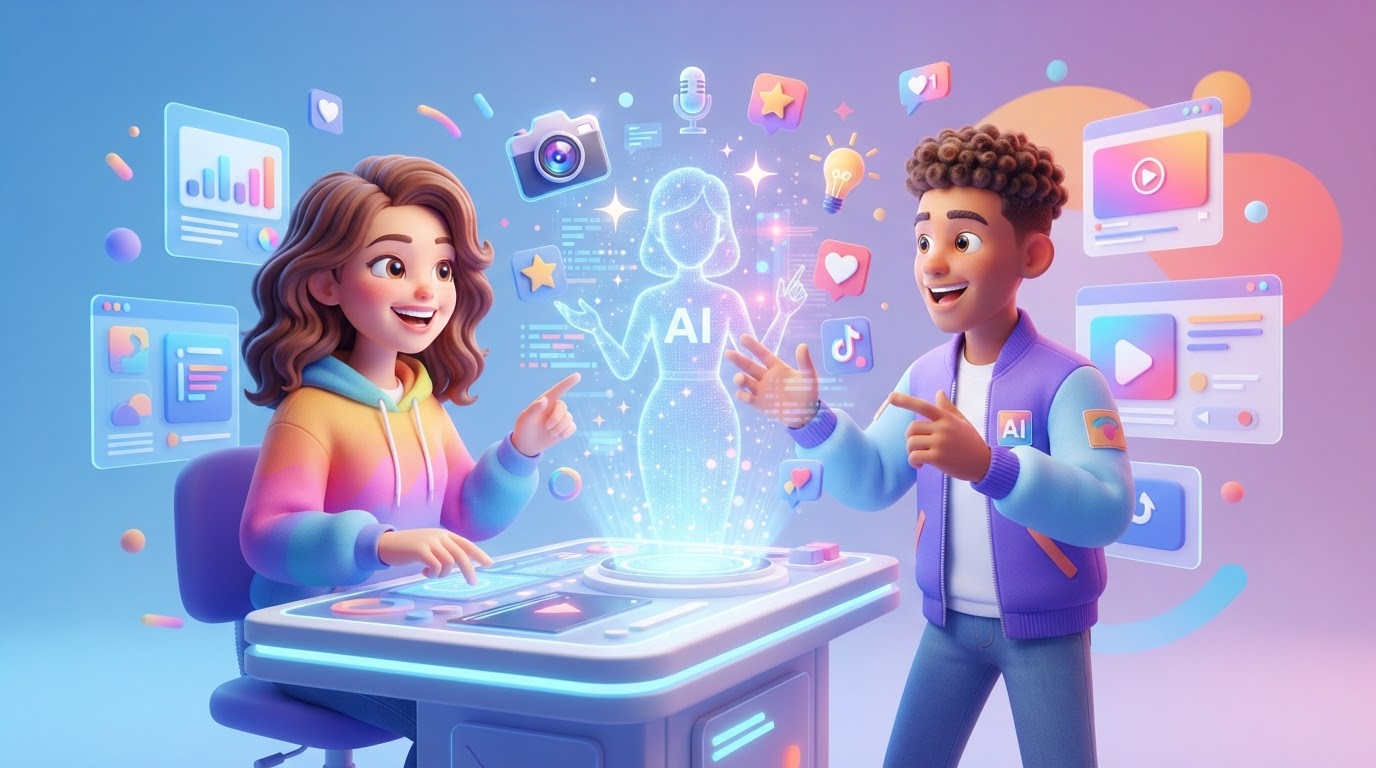
Learn how to create an AI influencer to scale your coaching or course business. This guide covers character design, script generation, and workflow automation.
Key takeaways
- AI influencers allow coaches to maintain a 24/7 social media presence without spending hours filming.
- A consistent visual identity (or locked avatar) is crucial for brand recall and student trust.
- Pairing high-value educational scripts with automated publishing creates a sustainable content engine.
- Platform credits on Market4Me translate directly to predictable video output, with no hidden agency fees.
For coaches and course creators, content creation is a double-edged sword. You know that posting daily short-form videos is the fastest way to build authority and fill your student pipeline. Yet, the physical reality of filming—setting up lights, memorising scripts, editing raw footage, and battling camera fatigue—takes you away from your actual work: coaching your students and building your curriculum.
This is why digital educators are shifting to automated production. When you create an ai influencer to represent your academy, you decouple your personal face and time from your brand’s daily media output. Your AI avatar becomes a tireless, consistent brand ambassador that delivers high-value hooks, frameworks, and course teasers across TikTok, Instagram Reels, and YouTube Shorts.
In this step-by-step guide, we will break down exactly how to design, script, and launch a recurring AI persona for your online education business without technical complexity.
Why Coaches and Course Creators Are Adopting AI Influencers
Traditional video marketing requires a heavy toll in time and focus. If you are running a high-ticket coaching program or scaling an online academy, your hourly rate is too high to spend half your week editing vertical video frames.
Creating an AI avatar solves three systemic bottlenecks:
- Elimination of Filming Fatigue: You do not need to look camera-ready, set up acoustics, or record 15 takes for a single clean hook.
- Consistent Visual Branding: A dedicated AI presenter ensures your content style, voice, and visual quality remain identical every single day.
- Rapid Content Testing: If a specific marketing angle fails, you can swap the script and generate a new video in minutes rather than rescheduling an entire afternoon shoot.
To see how this fits into a broader visual strategy, you can explore our guide on AI UGC Ads: A Beginner’s Guide for Coach & Course Creators, which details how user-generated style content performs alongside structured presenter content.
Step 1: Define Your AI Influencer’s Persona and Core Expertise
Before launching an AI influencer generator, you must define who this persona is. An AI influencer for a B2B SaaS coach looks and speaks differently than one built for a holistic wellness program.
Define the Archetype
Choose an archetype that matches your course topic:
- The Peer Educator: Warm, relatable, and uses conversational phrasing. Best for lifestyle, productivity, or creative courses.
- The Authoritative Analyst: Sharp, direct, data-driven, and dressed professionally. Best for finance, real estate, or corporate leadership coaching.
- The Mindset Mentor: Calm, measured, slow-paced, and empathetic. Best for wellness, relationship coaching, or personal development.
Establish the Tone of Voice
Document the linguistic boundaries of your presenter. Will they use industry jargon? Do they speak in short, punchy fragments, or complete, formal sentences? When you input your brand website into an AI video marketing platform, the system crawls your site to match this tone automatically, but having a clear mental model helps you review the outputs effectively.
Step 2: Establish the Visual Identity (The “Locked” Strategy)
One of the biggest mistakes creators make when they try to create an ai influencer is generating a slightly different face in every video. If your presenter’s facial structure, hair length, or clothing style shifts from Monday to Wednesday, your audience will immediately lose trust.
You need a “locked” avatar. This means using a platform that saves a specific, high-fidelity visual asset and renders it consistently across different scripts and backgrounds.
Choosing Your Avatar Style
- Hyper-Realistic Human: A photorealistic avatar that mimics a professional presenter. This builds direct authority and is highly effective for professional niches.
- Stylised/Illustrated Character: A unique, semi-animated character. While less common for high-ticket coaching, it works well for highly visual, technical, or creative tutorials.
When configuring your avatar, aim for neutral professional backgrounds (like a modern home office, a clean studio, or a subtly blurred office workspace) so the focus remains entirely on the educational content.
Step 3: Scripting for Authority and High Retention
An AI presenter is only as good as the script it reads. Because social media feeds are highly competitive, your video must capture attention within the first 1.5 seconds and deliver immediate value.
For a structured approach, you can utilise a video script generator to draft high-converting educational hooks. Every script should follow this proven 3-part framework:
- The Hook (0-3 seconds): Address a hyper-specific pain point. Avoid: “Hi guys, welcome back to my channel.” Use: “If your course launch failed, you didn’t have a traffic problem. You had an offer problem. Here is why.”
- The Core Lesson (3-45 seconds): Deliver one actionable step or framework. Do not try to explain your entire 6-week curriculum. Share one micro-win.
- The Micro-CTA (45-60 seconds): Direct viewers to a specific action. For example, tell them to comment a keyword to receive a free guide, or head to your profile link.
For practical inspiration, review our compiled list of 7 Video Script Ideas Every Coach and Course Creator Should Try to keep your content calendar diverse and engaging.
Traditional Production vs. AI Influencer Production
To understand the operational leverage of transitioning to an AI-driven workflow, compare the resource allocation required for both methods:
| Operational Step | Traditional Video Production | AI Influencer Production (e.g., Market4Me.ai) |
|---|---|---|
| Scripting & Angles | Manual brainstorming, writing, and formatting (2-3 hours) | Automated from website URL & niches (5 minutes) |
| Equipment Setup | Lights, camera, microphone, backdrop calibration (30 minutes) | None (Cloud-based digital avatars) |
| Filming Time | 1-2 hours of recording, retakes, and correcting mistakes | None (Instant script-to-video rendering) |
| Video Editing | Trimming, colour grading, manual captioning (1-2 hours) | Automated captions, b-roll, and visual pacing |
| Cost Profile | Expensive camera gear or high monthly agency retainers | Predictable flat monthly credit pricing |
| Iteration Speed | Low (Re-filming requires setting up the studio again) | High (Regenerate or edit text in seconds) |
Step 4: Voice Synthesis and Pacing
When you create an ai influencer, the auditory experience is just as critical as the visual one. Monotonous, metallic voices cause viewers to swipe away instantly.
Key Voice Settings to Adjust:
- Pacing and Speed: Educational content usually performs best at 1.1x speed. It keeps the energy high and prevents dead air.
- Inflection and Pronunciation: Ensure the AI pronounces industry-specific terms correctly. Most advanced platforms allow you to adjust phonetic spelling if a niche word sounds unnatural.
- Breathing Intervals: Modern voice synthesis engines automatically inject subtle, natural breathing breaks between sentences. This mimics natural human speech patterns and reduces the mechanical feel.
Step 5: Setting Up the Content Calendar and Automated Workflow
Consistency is the only metric that truly matters to social media algorithms. To build a loyal following, you should aim to post at least once a day. If you are doing this manually, the scheduling and publishing process quickly becomes a chore.
By leveraging a unified workflow, you can automate this entire cycle:
- Analyze Your Brand: Enter your course sales page or coaching website. The AI crawls your landing page to extract your exact value propositions and target audience demographics.
- Generate the Strategy: The platform outputs content pillars (e.g., “Common Industry Myths,” “Step-by-Step Tutorials,” “Mindset Shifts”).
- Review and Approve: Instead of spending hours in an editor, you use a rapid, swipe-style review queue to approve or tweak scripts and visual assets.
- Auto-Publish: Once approved, your videos are scheduled and posted directly to TikTok, Instagram Reels, YouTube Shorts, and Facebook.
To expand your visual variety beyond standard presenter videos, you can also integrate ideas from our resource on 13 High-Converting Post Ideas for Every Coach & Course Creator to mix in text graphics, carousels, and checklists.
Ethical Guidelines and Transparency for Educators
As an educator, your primary asset is trust. When using AI technology, maintaining that trust requires strategic transparency:
- Value First: If your video genuinely solves a problem, your audience will care far more about the lesson than whether a digital presenter delivered it.
- Disclose When Appropriate: Many platforms have built-in tags for “AI-generated content.” Using these tags keeps your accounts compliant with platform terms of service (such as TikTok’s synthetic media policies) while showing respect to your audience.
- Keep Your Core Personal: Use your AI influencer for top-of-funnel educational tips, daily hooks, and myth-busting content. Keep your actual coaching sessions, community Q&As, and high-ticket masterclasses live and personal. This creates an elegant funnel: your AI persona handles high-volume discovery, while you handle deep-level human transformation.
Scale Your Academy with Market4Me.ai
If you are ready to step off the content treadmill and focus on your students, Market4Me.ai provides a complete, hands-off solution. Rather than piecing together multiple disparate tools for copywriting, avatar rendering, captioning, and social media scheduling, Market4Me handles the entire pipeline in one central dashboard.
Our pricing is clear, predictable, and maps directly to your content goals:
- Starter ($199/mo): Includes 25,000 credits (approximately 30 videos per month—perfect for daily posting on one or two channels).
- Growth ($499/mo): Includes 75,000 credits (approximately 90 videos per month—ideal for multi-channel dominance).
- Scale ($1,099/mo): Includes 175,000 credits (approximately 210 videos per month—built for large academies and agencies running multiple brands).
Note on Credit Usage: A high-quality 15-second 720p video consumes approximately 825 credits (calculated at 55 credits per second). Monthly plan credits do not roll over, ensuring a consistent production schedule. If you ever need extra volume, separately purchased top-up credits remain fully usable for up to 90 days following any account cancellation. You can cancel your subscription at any time.
Stop letting content creation be the bottleneck to your coaching business. Plan your next month of short-form videos in minutes: try Market4Me free and start building your automated brand engine today.
Put your marketing on autopilot
Paste your URL and let Market4Me.ai build, schedule and post your content for you.
Start free →Frequently asked questions
Will social media platforms shadowban videos featuring AI influencers?
No, platforms do not shadowban AI influencers simply for being digital. Algorithms distribute content based on watch time, retention, and engagement. If your script delivers genuine value and keeps viewers watching, the video will perform well regardless of whether the presenter is human or synthetic.
Do I need technical skills or coding knowledge to create an AI influencer?
Not at all. Modern platforms like Market4Me.ai are designed for non-technical founders. You simply input your website URL, select your preferred presenter's appearance and voice, and review the generated outputs in a simple dashboard.
Can I use my own voice for the AI influencer?
Yes, many advanced systems allow you to upload a short audio sample of your own voice to create a secure digital voice clone. This allows your AI influencer to deliver daily content that sounds exactly like you, maintaining a highly personal brand connection.
How long does it take to render a video?
Once your script is finalized, rendering a standard 30-to-60-second vertical video typically takes only a few minutes. This is a massive improvement over traditional editing workflows, which can take hours per video.
What happens to my credits if I cancel my subscription?
Standard monthly subscription credits do not roll over and must be used within the active billing cycle. However, if you have purchased separate top-up credits, those remain fully usable for up to 90 days after you cancel your subscription.