 Market4Me
How to Automate Your Content Calendar for Restaurants
To automate your content calendar for a restaurant, you must integrate brand analysis with AI video generation and scheduled publishing to maintain a daily presence without manual filming.
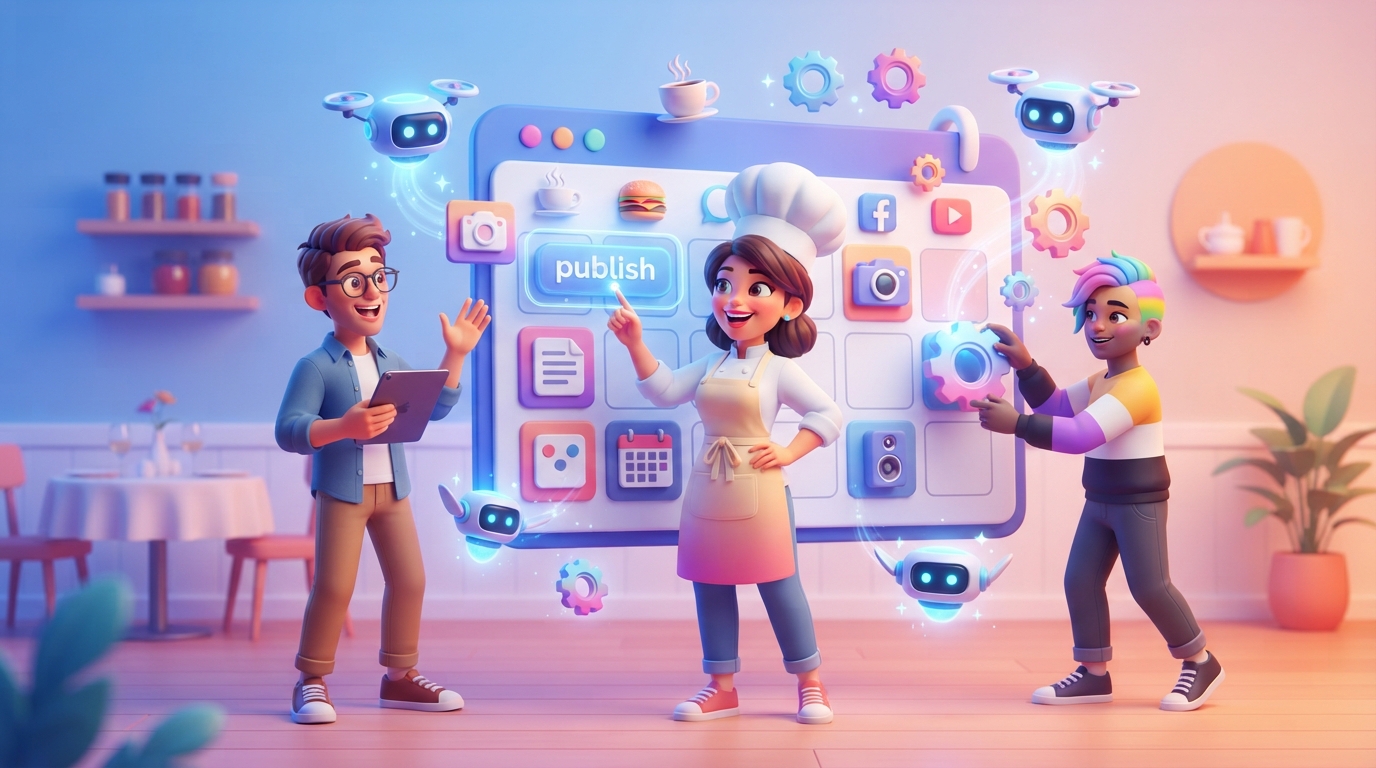
To automate your content calendar for a restaurant, you must integrate brand analysis with AI video generation and scheduled publishing to maintain a daily presence without manual filming.
Key takeaways
- Crawl your restaurant website or menu to build a brand-aware content strategy automatically.
- Use AI influencers to maintain a consistent on-screen face without hiring actors or filming yourself.
- Implement a 'swipe-to-approve' workflow to manage 30+ videos in under 15 minutes a week.
- Leverage multi-platform auto-publishing to hit TikTok, Reels, and Shorts simultaneously.
For most restaurant owners, social media is a ‘when I have time’ task that usually gets buried by the dinner rush, staffing issues, or inventory management. However, the modern dining guest decides where to eat based on short-form video. If you aren’t appearing in their feed daily, you are losing covers to the competitor who is. The solution isn’t to work harder or hire a $5,000/month agency; the solution is to automate your content calendar using a system that understands your food, your brand, and your voice.
Why Manual Restaurant Marketing Usually Fails
Traditional social media management for restaurants relies on a ‘heroic effort’ model. You wait for a quiet moment, take some photos of a plate, try to think of a witty caption, and post it. This fails for three reasons: consistency, distribution, and format.
- Consistency: One post every ten days doesn’t trigger the algorithm. You need daily or near-daily activity to stay top-of-mind.
- Distribution: Posting to just Instagram ignores the massive reach of TikTok and YouTube Shorts.
- Format: Static photos of food are no longer enough. High-retention vertical video is the current standard for organic reach.
By moving to an AI video marketing platform, you shift from being a content creator to being an editor-in-chief. You no longer spend hours filming; you spend minutes reviewing.
Step 1: Mapping Content Pillars from Your Menu
Automation starts with data. Instead of starting with a blank calendar, an automated system should crawl your website. It looks at your menu items, your ‘About Us’ page, and your customer reviews to identify what makes your restaurant unique.
For a restaurant, your automated content pillars should typically include:
- The Hero Dish: Highlighting the ingredients and the ‘why’ behind your bestsellers.
- Behind the Scenes (BTS): The prep, the kitchen energy, and the sourcing of local ingredients.
- The Experience: The atmosphere, the music, the lighting, and the ‘vibe’ of dining in.
- The Problem/Solution: Why your restaurant is the perfect spot for a first date, a business lunch, or a family Sunday.
This is where AI marketing for your industry becomes powerful. The AI doesn’t just suggest generic ‘food’ posts; it suggests angles like ‘Why our sourdough takes 48 hours to ferment’ because it read that fact on your homepage.
Step 2: Generating Scripts That Convert Browsers into Diners
Once the strategy is set, you need scripts. A good restaurant video script follows a specific hierarchy: Hook, Value/Visual, and Call to Action (CTA).
- The Hook: ‘Stop scrolling if you’re looking for the best pasta in East London.’
- The Value: A 10-second visual breakdown of the dish or a quick tip on food pairing.
- The CTA: ‘Link in bio to book a table for this weekend.’
Instead of writing these yourself, you can use a video script generator that is already tuned for restaurant marketing. The automation engine takes your content pillars and turns them into 30 unique scripts, ensuring no two videos feel repetitive. This is a core part of how you automate your content calendar effectively.
Step 3: Moving from Script to Video Without a Camera Crew
This is where most restaurant owners get stuck. They have the ideas, but they don’t have the footage. Automation solves this through AI video generation. There are two primary ways to do this:
The AI Influencer Approach
Using an AI influencer generator, you can create a consistent, recurring persona for your restaurant. Imagine a ‘Virtual Host’ who introduces your specials every Tuesday. This persona has a locked, consistent appearance, meaning your brand builds recognition even if you are camera-shy or too busy to film.
The B-Roll & Text Overlay Approach
If you have a library of 10-20 high-quality clips of your food and kitchen, an automated system can remix these into hundreds of different videos. It applies different music, captions, and text overlays based on the generated scripts. This is often more effective than a single ‘perfect’ video because it allows you to test which hooks resonate with your local audience.
Step 4: Comparison: Manual vs. Automated Restaurant Marketing
| Feature | Manual Process | Automated (Market4Me.ai) |
|---|---|---|
| Time Investment | 10-15 hours / week | 15 minutes / week |
| Content Volume | 2-3 posts / week | 7+ posts / week |
| Platform Reach | Usually just Instagram | TikTok, Reels, Shorts, Facebook |
| Production Cost | High (Agency) or High (Your time) | Low (Predictable monthly credits) |
| Consistency | Irregular | Guaranteed daily cadence |
| Strategy | Guesswork | Data-driven (Website crawl) |
Step 5: The 10-Minute Weekly Review Workflow
Automation does not mean ‘set and forget’ to the point of losing control. The most successful restaurants use a ‘Review and Approve’ workflow. Here is how it looks in practice:
- Monday Morning: Log into your dashboard. The AI has already generated the next 7 days of content based on your menu.
- The Swipe Review: Watch each video (usually 15-30 seconds). If you like it, hit ‘Approve’. If a script needs a tweak (e.g., changing a price), edit it in seconds.
- Regenerate: If a video doesn’t hit the mark, one click tells the AI to try a different angle. Failed generations are re-credited, so you only pay for what you use.
- Schedule: Once approved, the videos are queued for auto-publishing.
This workflow ensures that you maintain the ‘human touch’ while the AI handles the heavy lifting of editing and scheduling. If you’re wondering about the specific trends for the coming years, check out the AI social media marketing for restaurants: The 2026 playbook for more niche-specific insights.
Step 6: Multi-Platform Auto-Publishing
One of the biggest mistakes restaurants make is only posting to Instagram. While Instagram is vital for ‘foodies’, TikTok is where local discovery is happening at a massive scale.
When you automate your content calendar, your system should push the same video to:
- TikTok: For viral discovery and local ‘For You Page’ reach.
- Instagram Reels: To engage your existing followers and stay in their stories.
- YouTube Shorts: To capture the growing search-intent audience on Google/YouTube.
- Facebook: Still the primary platform for older demographics and local community groups.
By repurposing the same high-quality video across four platforms, you quadruple your ‘digital real estate’ without any extra work. If you already have existing content like a blog or a long-form video, you can even repurpose blog posts into short-form video for restaurants to fill gaps in your schedule.
Dealing with the ‘Authenticity’ Trade-off
A common concern is that automated content feels ‘robotic’. To avoid this, ensure your AI is trained on your specific brand voice. Market4Me.ai, for example, reads your actual website to learn your tone—whether you are a high-end Michelin-starred bistro or a fast-casual burger joint.
Another tip is to mix in ‘Raw’ content. Automation provides the baseline of 30 videos a month. If you happen to catch a beautiful sunset on your patio or a celebrity diner, post that manually. The automation ensures you never go dark, while your manual posts provide the occasional ‘extra’ spice.
Cost and Credit Management
When choosing an automation partner, look for predictable costs. At Market4Me.ai, a Starter plan at $199/mo gives you approximately 30 videos (25,000 credits). A standard 15-second video costs about 825 credits. This means for the price of a few Saturday night covers, you have a full-time marketing operation running in the background. Unlike an agency, there are no hidden fees or per-asset invoices. You can cancel anytime, and while monthly credits don’t roll over, any top-up credits you buy last for 90 days after a cancellation.
Conclusion: Taking the First Step
Automating your restaurant’s content calendar is no longer a luxury for big chains; it is a necessity for independent operators who want to compete. By leveraging brand-aware AI, you can move from ‘struggling to post’ to ‘dominating the local feed’ in less time than it takes to check your morning prep list.
Ready to see how your restaurant looks on autopilot? Try Market4Me.ai for free and let our AI analyse your website today.
Put your marketing on autopilot
Paste your URL and let Market4Me.ai build, schedule and post your content for you.
Start free →Frequently asked questions
Do I need to be good at video editing?
No. The system handles all the editing, including transitions, captions, and music syncing. Your only job is to review and approve the final result.
Can I use my own photos and videos?
Absolutely. You can upload your own high-quality B-roll of your dishes, which the AI will then use as the background for the generated scripts and captions.
How does the AI know what my food tastes like?
The AI crawls your website, menu descriptions, and customer reviews. It uses these descriptions to write scripts that accurately reflect your flavours, ingredients, and brand voice.
Which social media platforms are supported?
Market4Me.ai supports auto-publishing to TikTok, Instagram Reels, YouTube Shorts, and Facebook. You can also export the videos to post elsewhere manually.
What happens if I don't like a video the AI makes?
You can edit the script and regenerate the video, or simply swipe to reject it. Failed generations are automatically re-credited to your account.
Is there a contract?
No. You can cancel your monthly subscription at any time. Monthly credits do not roll over, but top-up credits remain valid for 90 days after cancellation.