 Market4Me
What Is an AI Social Media Manager? Guide for Course Creators
An AI social media manager is software that automates the entire social video workflow—from strategy and scriptwriting to publishing—allowing coaches and course creators to scale their organic reach without hiring agencies.
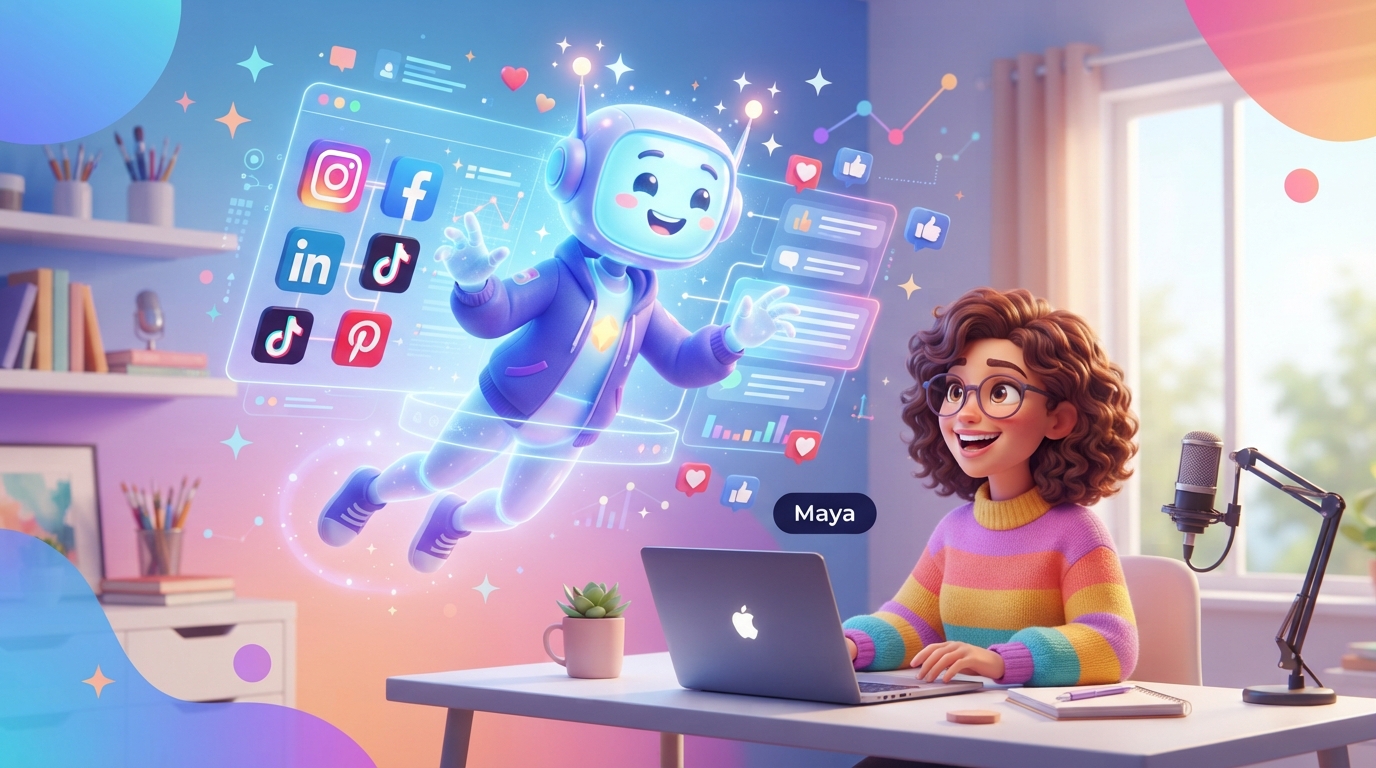
An AI social media manager is software that automates the entire social video workflow—from strategy and scriptwriting to publishing—allowing coaches and course creators to scale their organic reach without hiring agencies.
Key takeaways
- An AI social media manager handles the entire workflow loop from crawling your site to scripting, video generation, and auto-publishing.
- Using automated workflows saves coaches 15+ hours a week compared to manual video editing and native formatting.
- A structured 'IP-to-Video' framework allows you to easily transform a single course module into 10 distinct vertical video assets.
For coaches and course creators, an ai social media manager is an autonomous software system that handles the entire social video lifecycle—including brand analysis, copywriting, vertical video generation, scheduling, and multi-platform publishing. Instead of just scheduling pre-made posts, it acts as an end-to-end creative assistant that translates your educational IP into daily short-form videos.
By offloading the high-friction tasks of scripting, editing, and voiceover production, educators can maintain a continuous organic marketing presence on TikTok, Instagram, and YouTube while dedicating their working hours to student success and product development.
What Exactly Is an AI Social Media Manager?
In the early days of social media marketing, a “social media manager” was either a hired freelancer or a software tool like Buffer or Hootsuite. Traditional software only solved the final step of the puzzle: scheduling. You still had to write the copy, record the video, edit the files, and design the graphics yourself.
An ai social media manager represents a fundamental shift. It does not wait for you to upload finished creative assets. Instead, it starts at the beginning of the creative chain. By crawling your existing website, sales pages, or course outlines, it extracts your specific brand voice, core frameworks, and target audience profiles. From there, it automatically generates a custom content strategy, writes scripts, generates high-quality vertical videos, schedules them onto a visual calendar, and publishes them natively to your connected accounts.
For a coach or course creator, this means you no longer need to act as a full-time videographer or editor. It bridges the gap between your expertise and the constant demand of modern social algorithms.
Why Traditional Social Workflows Fail Course Creators
Most educators launch their businesses to teach, not to spend 20 hours a week editing video keyframes. Yet, organic social media remains the most effective channel for building the trust required to sell high-ticket coaching or digital courses.
When creators try to manage this manually, they run into three distinct bottlenecks:
- The Production Bottleneck: Creating one high-quality vertical video requires scripting, filming multiple takes, editing out dead air, adding captions, overlaying b-roll, and mixing audio. Doing this daily is unsustainable for a solo operator.
- The Distribution Bottleneck: A single video needs to be formatted, captioned, and manually posted across TikTok, Instagram Reels, and YouTube Shorts to maximize organic reach.
- The Cost Bottleneck: Hiring a traditional agency or a dedicated videographer easily costs $2,000 to $5,000 per month. For emerging creators, this eats up all course profit margins before the business can scale.
Choosing an automated alternative to a marketing agency allows you to bypass these bottlenecks entirely. Instead of paying per-asset agency invoices, you run your entire marketing operation from a single dashboard at a fraction of the cost.
How an AI Social Media Manager Works: Step-by-Step
Understanding how these platforms function helps you integrate them into your daily operations. A professional platform like Market4Me.ai follows a structured, logical loop to ensure the content generated actually aligns with your real-world business goals.
Step 1: Brand and Website Analysis
The process starts when you input your website URL or course sales page. The AI crawls your site to analyze your exact value propositions, target student demographics, tone of voice (e.g., authoritative, encouraging, or analytical), and primary brand hooks. This prevents the AI from generating generic, out-of-context advice.
Step 2: Strategy and Pillar Mapping
Next, the system maps out distinct content pillars. For an online business coach, these might include “Actionable Business Tactics,” “Mindset Shifts,” and “Common Mistakes to Avoid.” Having structured pillars ensures your feed looks balanced and cohesive.
Step 3: Scripting and Video Generation
The AI writes highly optimized scripts designed specifically for short-form video algorithms, focusing heavily on the first three seconds (the hook). It then pairs these scripts with high-quality vertical video assets, automated voiceovers, and dynamic captions. If you prefer not to show your own face daily, you can utilize an AI influencer generator to create a consistent, recurring digital avatar that presents your lessons.
Step 4: The Review and Approve Queue
Before anything goes live, the content sits in a visual calendar. You retain absolute control. Using a fast, swipe-style review queue, you can read the script, watch the generated video, make quick text edits, or regenerate the asset if it needs a different angle.
Step 5: Automated Native Publishing
Once approved, the system automatically schedules and publishes the videos directly to your connected channels (TikTok, Instagram, YouTube, and Facebook).
Manual vs. Agency vs. AI Social Media Manager
To understand where this technology fits, it is helpful to compare the three primary paths available to course creators today:
| Feature / Metric | Manual Creation (DIY) | Traditional Agency | AI Social Media Manager |
|---|---|---|---|
| Time Investment | 15–20 hours per week | 2–3 hours (meetings/feedback) | 1–2 hours per week (reviewing queue) |
| Average Monthly Cost | $0 (but high time cost) | $2,000 – $5,000+ | $199 – $1,099/mo |
| Consistency | Erratic (dependent on energy) | High (contractually obligated) | High (fully automated calendar) |
| Production Speed | Slow (1–2 days per video) | Moderate (weeks-long approval cycles) | Instant (minutes per video) |
| Creative Control | Maximum | Medium (agency interpretation) | Maximum (direct editing & approval) |
The “IP-to-Video” Framework: How to Turn One Course Module into 10 Assets
The greatest asset a course creator has is their intellectual property (IP). You do not need to invent new concepts for social media; you simply need to package your existing frameworks into short-form video formats.
Here is a practical, repeatable framework you can use with an ai social media manager to turn a single course module into a week’s worth of highly engaging short-form videos.
                  [Core Course Module]
                           │
         ┌─────────────────┼─────────────────┐
         ▼                 ▼                 ▼
   [The Myth-Buster]  [The Step-by-Step] [The Case Study]
         │                 │                 │
   ┌─────┴─────┐     ┌─────┴─────┐     ┌─────┴─────┐
   ▼           ▼     ▼           ▼     ▼           ▼
[Video 1]   [Video 2] [Video 3]   [Video 4] [Video 5]   [Video 6]
1. The “Myth-Buster” Angle (2 Videos)
- Objective: Challenge a common belief in your niche to build authority.
- Example: If you teach photography, bust the myth that you need a $2,000 camera to take professional portraits.
- AI Execution: The AI takes your lesson on smartphone camera settings, generates a high-hook script starting with “Stop wasting money on expensive cameras…”, and matches it with visual examples.
2. The “Step-by-Step” Micro-Lesson (4 Videos)
- Objective: Give the audience a quick, actionable win they can implement in under 60 seconds.
- Example: If you teach coding, show the exact 3 lines of code needed to build a basic responsive navigation bar.
- AI Execution: The tool creates a split-screen video showing the code on one side and an AI presenter explaining the logic on the other.
3. The “Case Study / Transformation” Angle (4 Videos)
- Objective: Show proof of your framework working in the real world.
- Example: Share how a student went from zero to their first freelance client using your pitching template.
- AI Execution: The AI drafts a narrative-driven script highlighting the before-and-after journey, focusing on emotional hooks and tangible business outcomes.
To dive deeper into setting up these types of automated video systems, read our comprehensive guide on AI Video for Coaching and Consulting: How to Launch Faster.
Crucial Features Coaches Should Look For
Not all AI tools are built equal. Many generic AI writing tools simply output text prompts, leaving you to handle the actual video production. When selecting an AI social media manager, ensure the platform includes these non-negotiable features:
- Direct Website Crawling: The system must be able to read your live sales pages or blog posts to understand your specific coaching methodology.
- Multi-Platform Direct Publishing: Look for direct integrations with major channels. According to TikTok’s official business guidelines, consistent posting schedules are critical for building an organic audience. Your tool should push content directly to TikTok, Instagram, and YouTube Shorts without requiring manual downloads and uploads.
- Consistent Brand Personas: If you choose to go faceless, your videos should still feature a recognizable, recurring digital presenter to build brand trust over time.
- Comprehensive Resource Planning: To keep your marketing predictable, choose a system with clear pricing and credit structures. For instance, on Market4Me.ai, monthly credits do not roll over, but you can cancel anytime. If you purchase additional top-up credits separately, they remain usable for 90 days even after a cancellation, giving you complete flexibility.
The Reality Check: What AI Can and Cannot Do
While an AI social media manager dramatically reduces the time required to run an active marketing channel, it is not a magic wand. Understanding the trade-offs is key to long-term success.
What AI Excels At:
- Eliminating the “Blank Page” Syndrome: It ensures you always have a baseline of scripts, ideas, and video drafts ready to go.
- Maintaining Strict Consistency: It populates your calendar weeks in advance, protecting you from algorithm drops when your schedule gets busy.
- Formatting and Optimization: It handles the tedious work of resizing, generating captions, and creating platform-specific hooks. Learn more about how to structure these short assets in our guide on What Is Short-Form Video Marketing? Your 2026 Guide.
What You Must Still Provide:
- Your Core Expertise: The AI can package and present your ideas, but the core frameworks, unique insights, and coaching methodologies must come from your real-world experience.
- Community Engagement: While AI can help manage content delivery, it cannot replace genuine human interaction in your direct messages (DMs) and comments. Building deep relationships with prospective students still requires your personal touch.
Getting Started: Launching Your Autonomous Engine
If you are ready to transition your coaching business from manual content creation to a streamlined, automated system, follow this simple implementation plan:
- Audit Your High-Performing Assets: Identify your best-performing blog posts, email newsletters, or course modules. These will serve as the seed data for your AI tool.
- Set Up Your Brand Profile: Input your URL and define your target audience parameters within the platform.
- Generate Your Initial Calendar: Let the AI build your first 30 days of draft videos.
- Dedicate 30 Minutes to Review: Go through the queue, tweak scripts to match your exact phrasing, and approve the videos you love. If a video generation fails due to a system error, professional platforms like Market4Me.ai will automatically re-credit your account.
- Connect and Automate: Link your social profiles, set your preferred posting times, and let the system publish on autopilot while you focus on teaching.
To explore how other founders and small business owners are scaling their marketing operations without large creative teams, check out The Founder’s Guide to Marketing on Autopilot. Ready to see how easy it is to automate your short-form video production? You can get started with Market4Me on a monthly plan today and transform your course marketing on autopilot.
Put your marketing on autopilot
Paste your URL and let Market4Me.ai build, schedule and post your content for you.
Start free →Frequently asked questions
Can an AI social media manager match my specific coaching voice?
Yes. By crawling your actual website, sales pages, or blog posts, the system extracts your specific brand voice, key frameworks, and terminology, ensuring the generated video scripts sound like they were written by you rather than a generic AI writer.
Do I need to show my face on camera to use an AI social media manager?
No, you do not. You can choose to generate faceless videos using relevant background b-roll, or you can leverage an AI presenter with a consistent, locked appearance that represents your brand across every video.
How does pricing work for video generation?
Platforms like Market4Me.ai use a predictable monthly credit system. For example, a 15-second 720p video costs roughly 825 credits (calculated at 55 credits per second). Plans range from Starter at $199/month (~30 videos) to Scale at $1,099/month (~210 videos).
What happens if a video generation fails or has an error?
Failed generations are automatically re-credited back to your account balance. You can edit, adjust, or completely regenerate any video in your review queue before it ever goes live on your social accounts.
Can I cancel my plan at any time?
Yes, you can cancel your subscription at any time. While monthly plan credits do not roll over to the next billing cycle, any separately purchased top-up credits will remain fully usable for 90 days after you cancel.