 Market4Me
AI Video for Events: How to Scale Content Without Hiring
Stop letting your event data sit idle. Use AI video for events to turn speaker lineups and agendas into high-converting short-form videos for TikTok, Reels, and Shorts automatically.
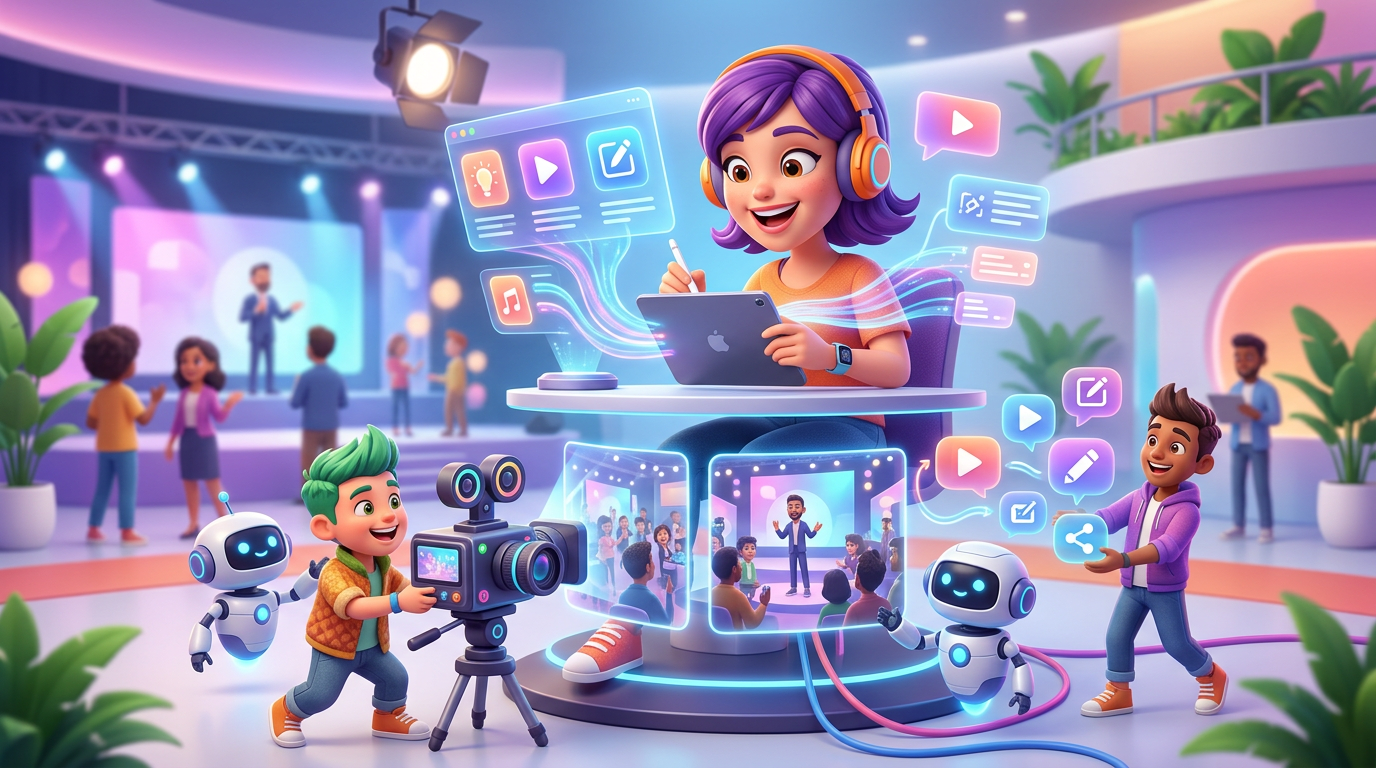
Stop letting your event data sit idle. Use AI video for events to turn speaker lineups and agendas into high-converting short-form videos for TikTok, Reels, and Shorts automatically.
Key takeaways
- Transform event URLs into video scripts and assets automatically using AI analysis.
- Reduce production costs from $150+/video to under $7 per asset.
- Maintain a consistent brand presence with AI-generated influencers and personas.
- Execute high-frequency 'FOMO' campaigns in the final weeks before ticket sales close.
- Utilize credit-based scaling to match the 'feast or famine' cycle of event marketing.
Quick Answer: Event organizers use ai video for events to bridge the gap between a static website and a high-frequency social media presence. By feeding an event URL into an AI video marketing platform, teams can automatically generate speaker reveals, countdowns, and value-prop videos for TikTok and Reels. This eliminates the $200+/video agency cost, replacing it with a credit-based model that scales to 30+ videos per month for less than the cost of a single freelance editor.
The Content Gap: Why Event Marketing Fails on Social
Most event marketing follows a “feast or famine” cycle. You have a massive surge of data—speakers, agendas, and early-bird deadlines—but no way to turn that data into video fast enough. Traditional production creates three specific bottlenecks:
- The Cost Floor: Freelance editors have a minimum floor (often $150–$500 per short-form video). If you need 30 videos to cover a 30-day countdown, the math breaks.
- The Context Gap: External agencies rarely understand the nuances of your niche. You spend more time briefing them than it would take to edit the video yourself.
- The Talent Bottleneck: Not every event team has a “face of the brand” comfortable on camera daily.
Using ai video for events solves this by treating your website as the source of truth. The AI doesn’t just edit; it extracts the “why attend” logic directly from your landing page.
The URL-to-Video Workflow: A Practitioner’s Guide
To move from a static site to a daily posting cadence, you need a structured workflow. Here is how professional organizers use the platform:
1. Automated Brand Extraction
Instead of manual briefing, the AI crawls your event URL. It identifies your color palette, speaker names, and core themes. This ensures that a video script generator produces content that sounds like your brand, not a generic template.
2. Pillar-Based Strategy
You cannot post the same “Register Now” video every day. A high-performing content idea generator breaks your event into three pillars:
- The Authority Pillar: 15-second speaker spotlights using AI-generated avatars or uploaded headshots.
- The FOMO Pillar: Dynamic countdowns showing ticket tier expirations.
- The Value Pillar: Quick “3 things you will learn” videos based on session descriptions.
3. The “Virtual Host” Implementation
To solve the talent bottleneck, an AI influencer generator creates a consistent digital persona. This persona acts as your year-round event host, providing a human face for your TikTok and Reels without requiring a studio or a spokesperson’s day rate.
ROI Comparison: AI vs. Traditional Production
| Metric | Traditional Agency | AI Video for Events (Market4Me.ai) |
|---|---|---|
| Cost per Asset | $150 - $500 | ~$6.60 (Starter Plan) |
| Production Time | 48 - 72 Hours | < 5 Minutes |
| Monthly Volume | 4 - 8 Videos | 30 - 210+ Videos |
| Workflow | Manual Briefing/Revisions | URL-to-Draft Automation |
| Scalability | Linear (More videos = More $) | Exponential (Credit-based) |
Tactical Use Cases for Event Scaling
The Speaker Rollout (High Volume)
If you have 50 speakers, you need 50 videos. A 15-second 720p video typically consumes 825 credits. On a Growth plan, you can automate this entire rollout in one afternoon, ensuring every speaker gets a dedicated social moment that they can then resharing to their own audiences.
The “Last Chance” Blitz
During the final 7 days of ticket sales, frequency is the only metric that matters. You can schedule 3 videos per day—morning, noon, and night—each highlighting a different workshop. This high-frequency approach is a viable alternative to a marketing agency which would struggle to keep up with that turnaround time.
Managing the Credit Economy
Scaling ai video for events requires understanding the credit-based model to maximize ROI:
- Starter ($199/mo): Best for single-track conferences (approx. 30 videos).
- Growth ($499/mo): Best for multi-day festivals or series (approx. 90 videos).
- Scale ($1099/mo): Best for agencies managing multiple event clients (approx. 210 videos).
Credits are consumed based on resolution and length (55 credits per second at 720p). If a generation fails, credits are automatically refunded. For event cycles, any top-up credits you purchase remain valid for 90 days, even if you cancel your monthly subscription after the event concludes.
Put your marketing on autopilot
Paste your URL and let Market4Me.ai build, schedule and post your content for you.
Start free →Frequently asked questions
Can I use my own event footage with AI video tools?
Yes. The AI acts as an intelligent editor. You can upload raw clips from previous years, and the AI will apply hooks, captions, and branding to make them social-media ready in minutes.
How does the AI know my event's specific tone?
The platform crawls your provided URL to analyze your brand voice, target audience, and key value propositions. This ensures the generated scripts align with your existing marketing materials.
What happens to my content if I cancel after the event?
You retain full ownership of all exported videos. While monthly subscription credits do not roll over, any top-up credits you purchased remain active for 90 days after cancellation to help with post-event content.
Is the video quality high enough for professional conferences?
Yes. You can generate videos in 720p or 1080p. For most social platforms like TikTok and Reels, 720p is the standard for high-speed, high-retention content.